Performance Max image specs
| Asset | Recommended | Minimum | How many | Required |
|---|---|---|---|---|
| Landscape image, 1.91:1 | 1200 x 628 | 600 x 314 | 4 or more, up to 20 | Yes |
| Square image, 1:1 | 1200 x 1200 | 300 x 300 | 4 or more, up to 20 | Yes |
| Portrait image, 4:5 | 960 x 1200 | 480 x 600 | 2 or more, up to 20 | No |
| Square logo, 1:1 | 1200 x 1200 | 128 x 128 | 1, up to 5 | Yes |
| Landscape logo, 4:1 | 1200 x 300 | 512 x 128 | 1, up to 5 | No |
Two more rules from the same page: the content has to sit in the center 80% of each image, the area that isn't cut off on any screen size, and Google recommends at least one image without text or graphic overlays for each shape. Logos with a transparent background may be shown on white, so Google suggests a square logo and warns against a mostly white logo on a transparent background.
Business names and logos are now managed in the campaign's brand guidelines rather than in each asset group, so you set your logo once per campaign.
What a full asset group needs, and what StoreToAds covers
| Asset | Google's guideline | From StoreToAds |
|---|---|---|
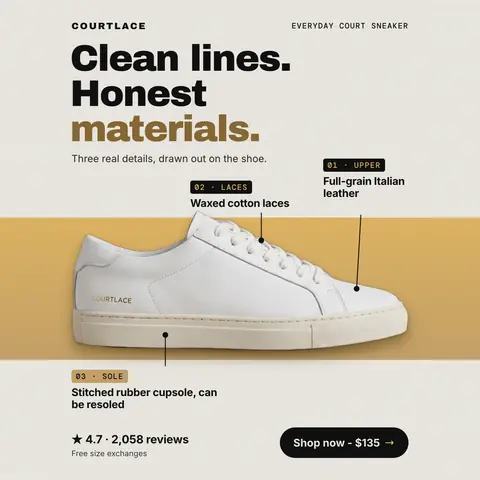
| Landscape images (1.91:1) | 1200 x 628; 4 or more | Yes: a 1200 x 628 PNG with every paid design |
| Square images (1:1) | 1200 x 1200; 4 or more | Yes: 1440 x 1440, above Google's recommendation |
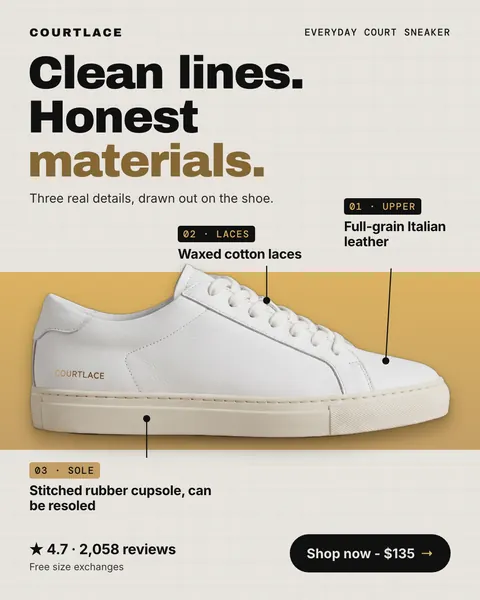
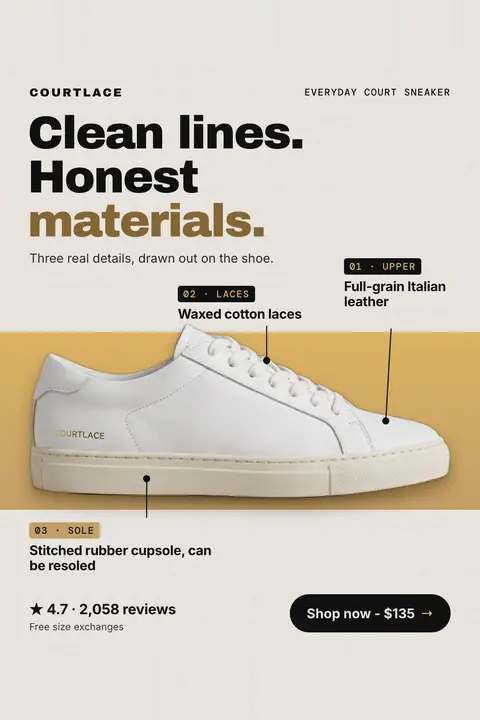
| Portrait images (4:5) | 960 x 1200; 2 or more, optional | Yes: the 1440 x 1800 feed design |
| Images without overlays | At least one per shape, recommended | No: our images carry a headline and often a price. Add plain product photos from your store |
| Logos (1:1, 4:1) | Square required, landscape optional | No: upload your own logo file |
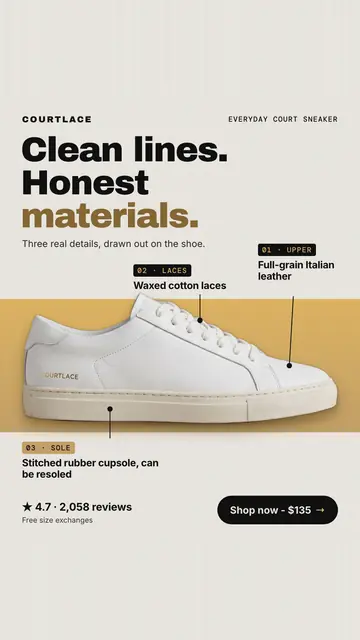
| Videos (16:9, 1:1, 9:16) | 10 seconds or more; optional, and Google may make one from your assets | No: our motion versions are seven-second MP4s in 4:5 and 9:16, shorter than the 10 seconds Google lists |
| Headlines, long headlines, descriptions | 3 to 15 headlines of 30 characters; 1 to 5 long headlines of 90; 2 to 5 descriptions of 90 | No: write these in Google Ads |
| Business name, final URL, call to action | 25 characters; one URL; automated or picked | No: set in Google Ads |
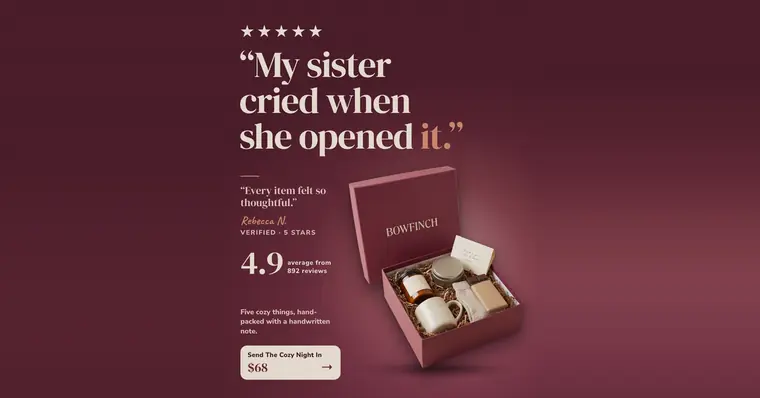
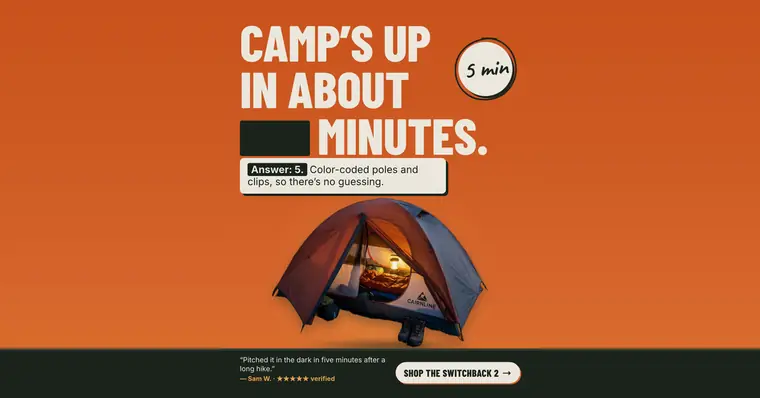
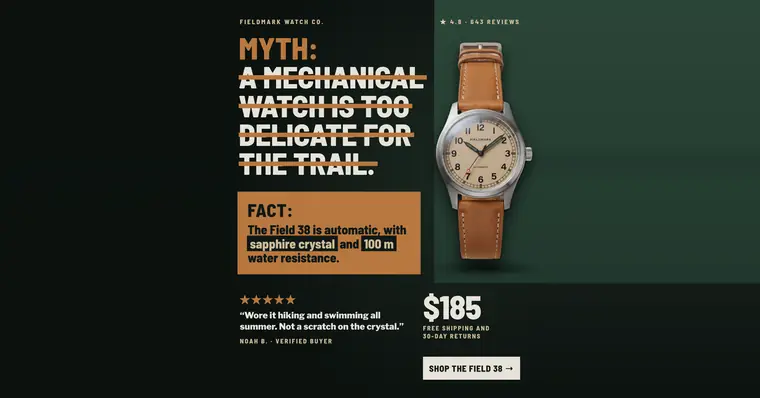
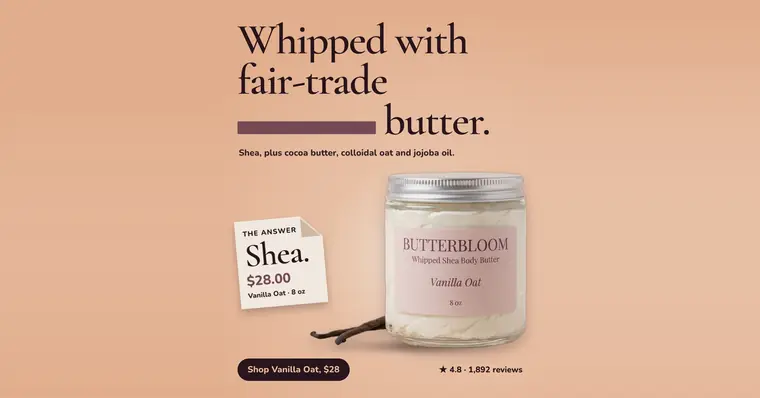
So StoreToAds covers the designed images. Four designs give an asset group four landscape, four square and four portrait images, which meets Google's '4 or more' for both required shapes; they use four designs from your plan. The logo, the text and any video are yours to add.
Three things to check before you upload ours
- The center 80%. Our wide layout puts the product on one side and the words on the other. Our checks keep text on the canvas and readable, but they don't measure Google's center 80%, so look at the left and right edges before you upload. When the wide layout fails our checks, the file is the 4:5 design placed in the middle with its background carried to the sides, which keeps everything well inside the center.
- Text on the image. Google accepts images with overlays, but recommends at least one plain image per shape. Our wide layout keeps only the headline, one proof and the button; add a plain photo of the product next to it.
- File size. Google's limit is 5 MB. The PNGs we measured on November 4, 2026 were well under it: the largest square about 2.3 MB, the largest landscape about 0.9 MB.
Why Performance Max wants so many images
Performance Max builds each ad from whatever is in the asset group, for whichever surface it serves on, so a group with one image per shape gives Google little to combine. Google recommends four or more landscape and square images, and suggests waiting about two to three weeks before judging Ad strength and replacing weak assets. A steady batch of new designs keeps replacements ready for that swap.
If you sell through a Merchant Center feed, Google lets you launch Performance Max without any extra creative, but says Ad strength may show as Poor until you add assets.