Product ads, product listing ads and catalog ads
The terms get mixed up, so here is how they differ:
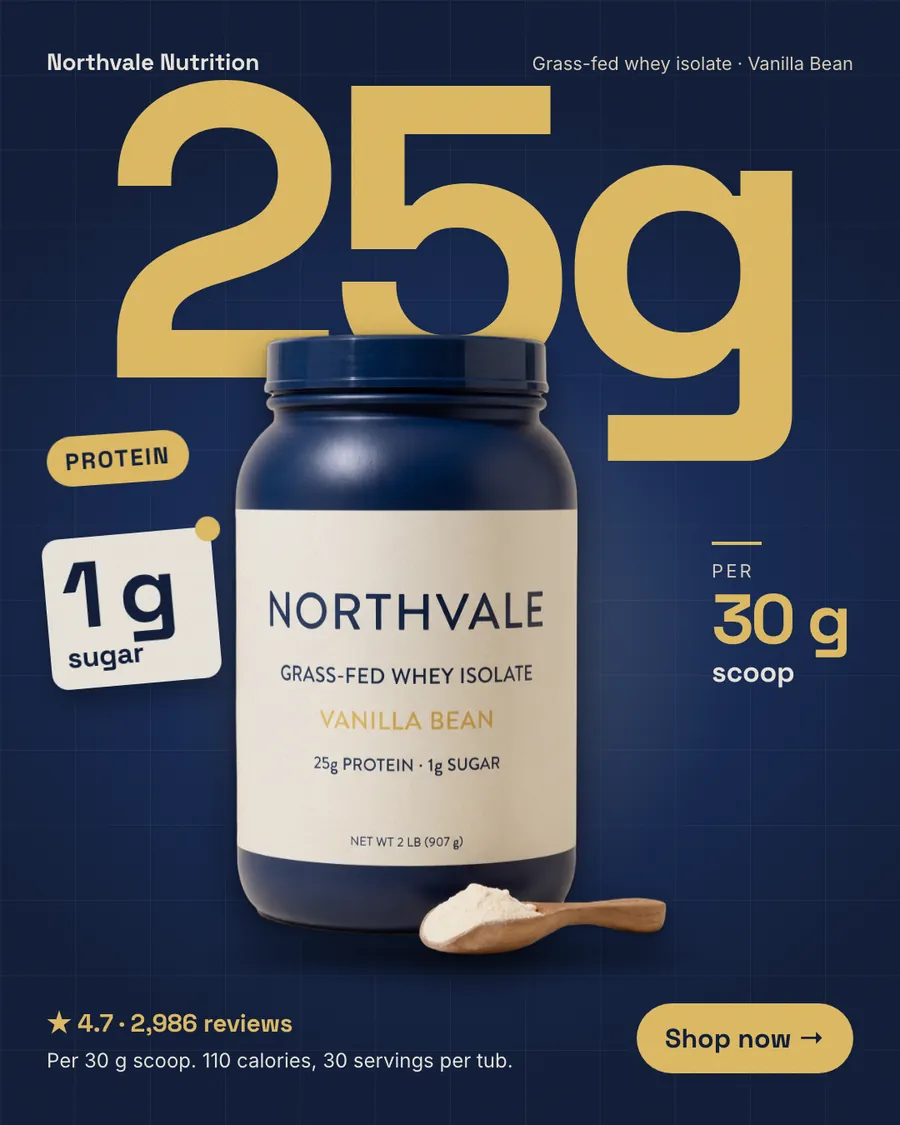
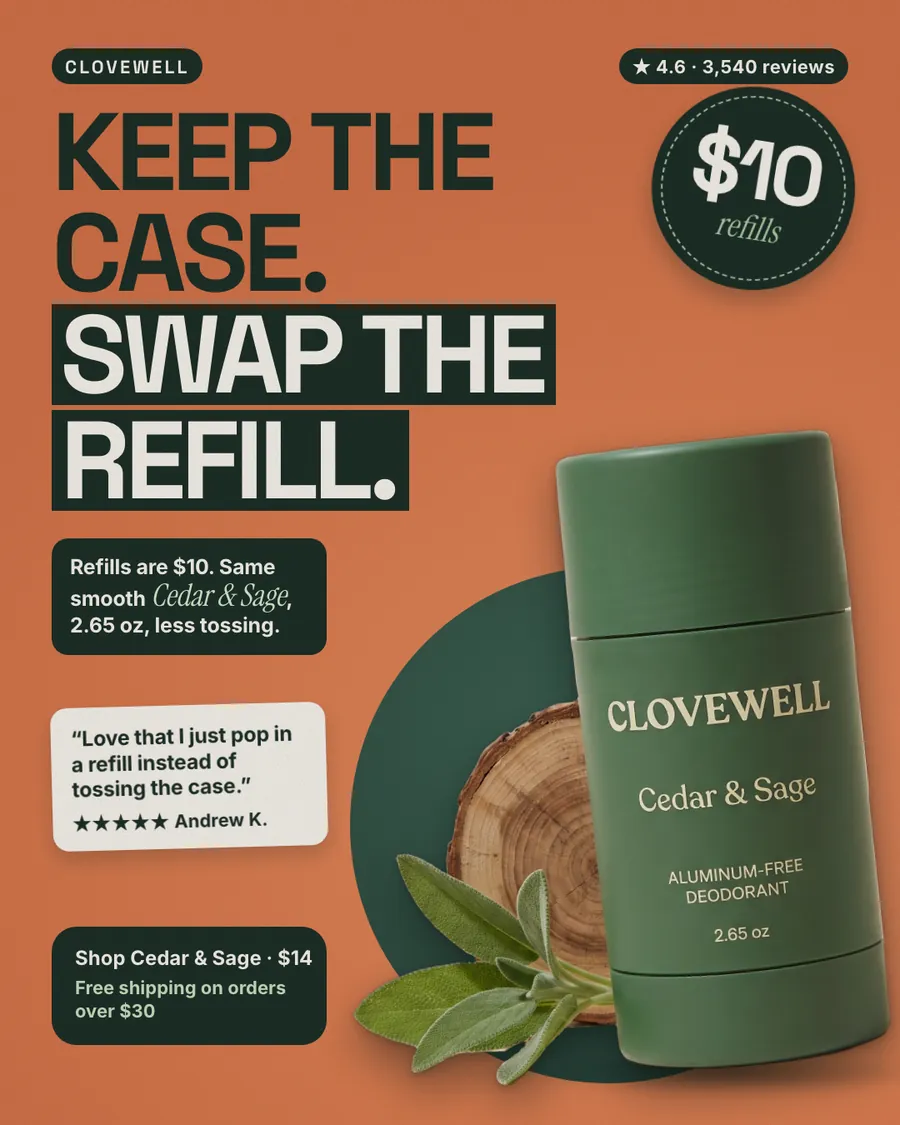
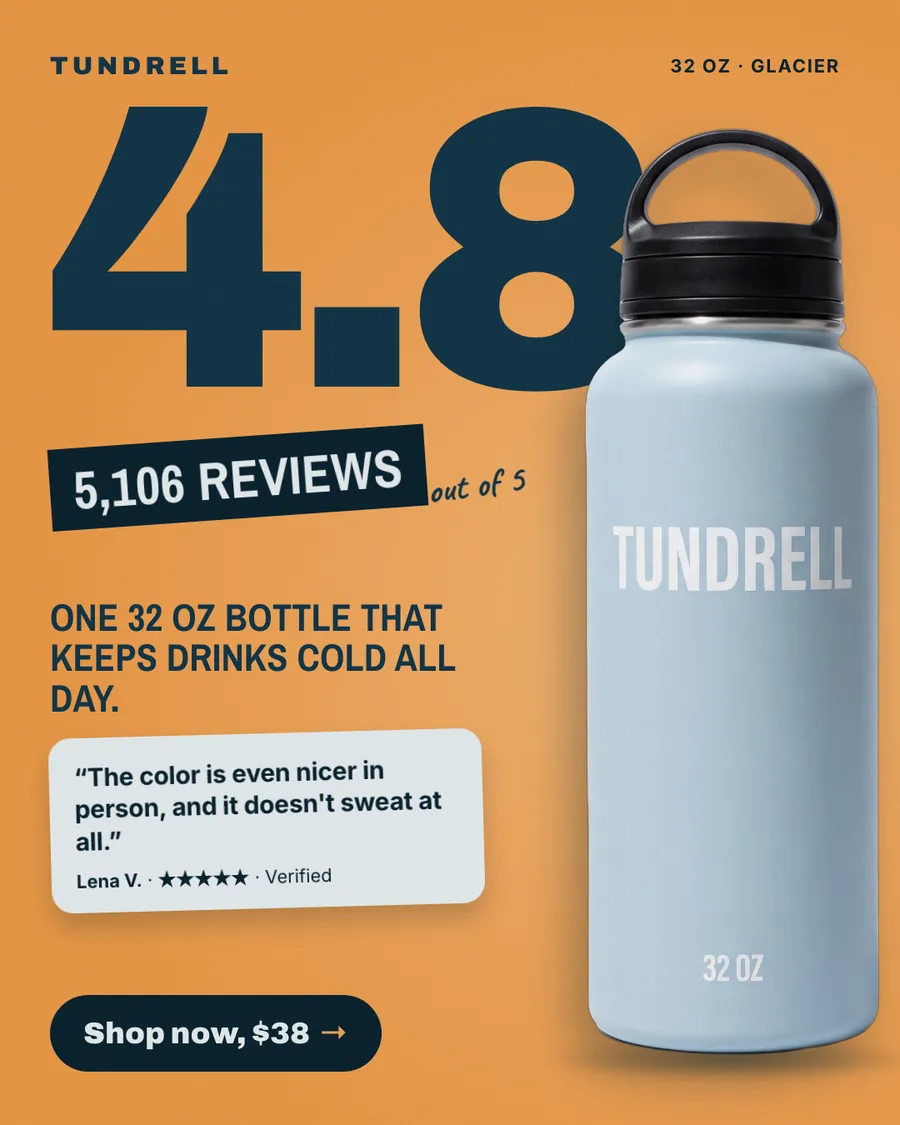
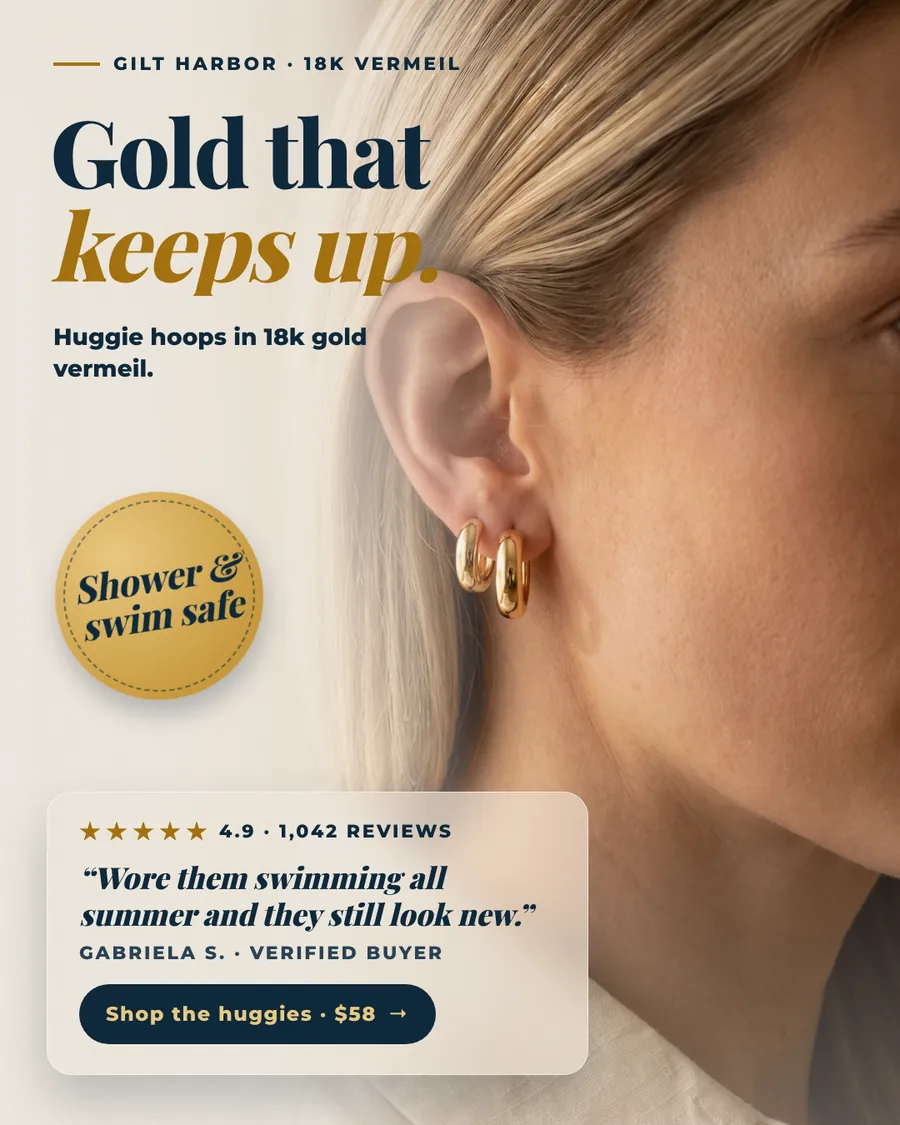
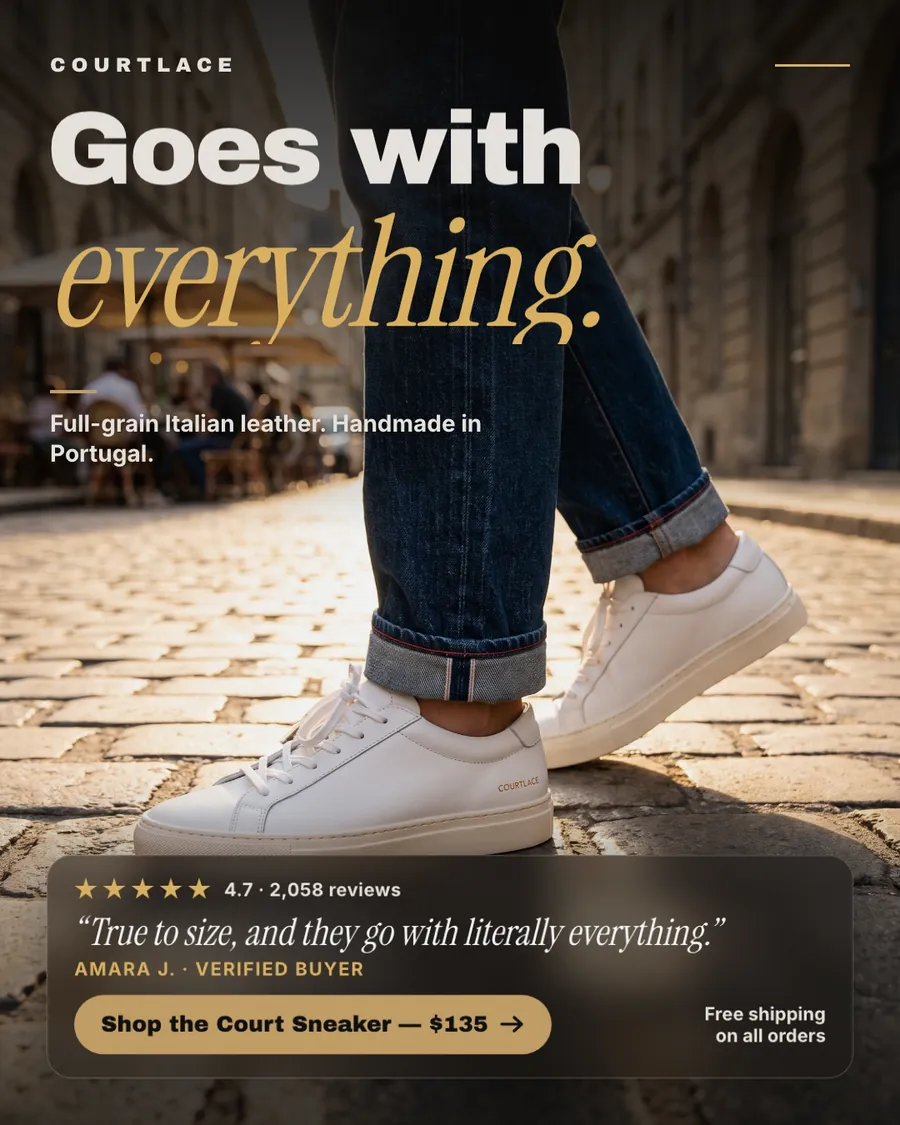
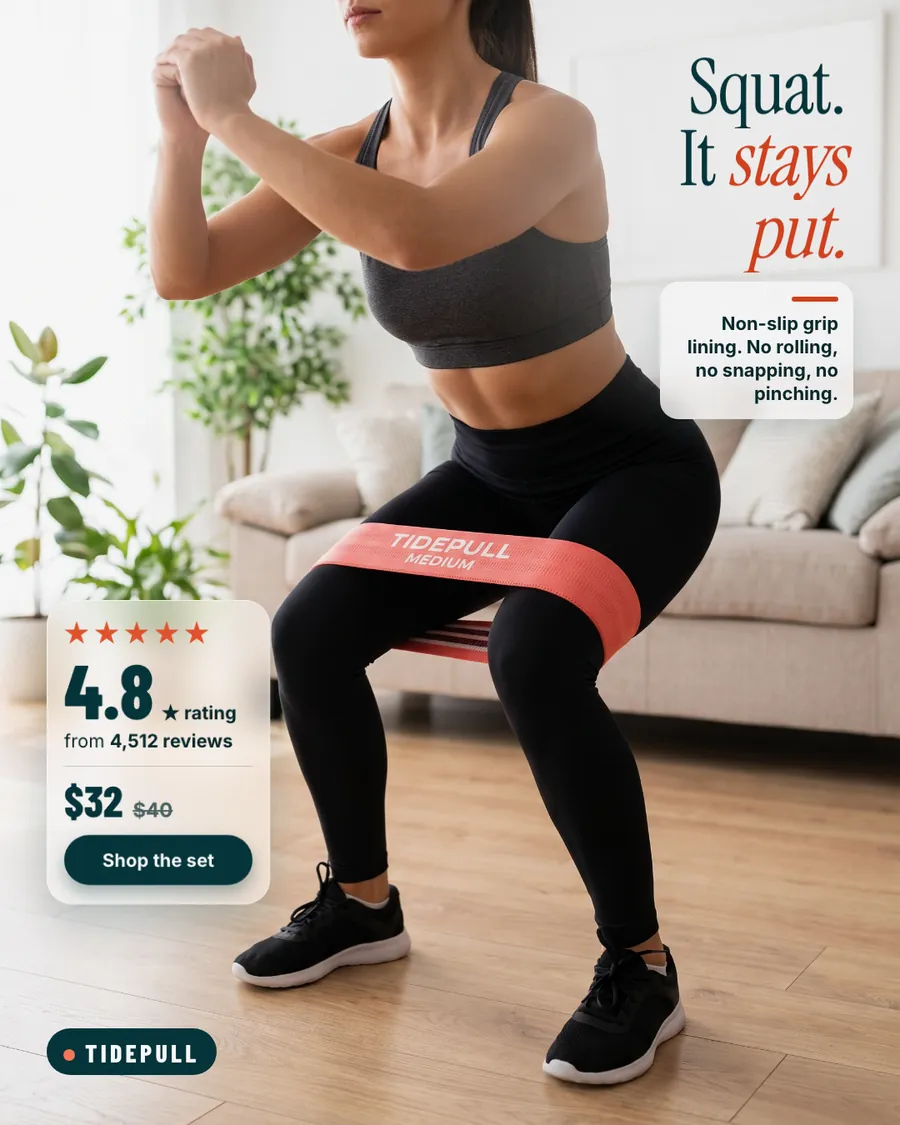
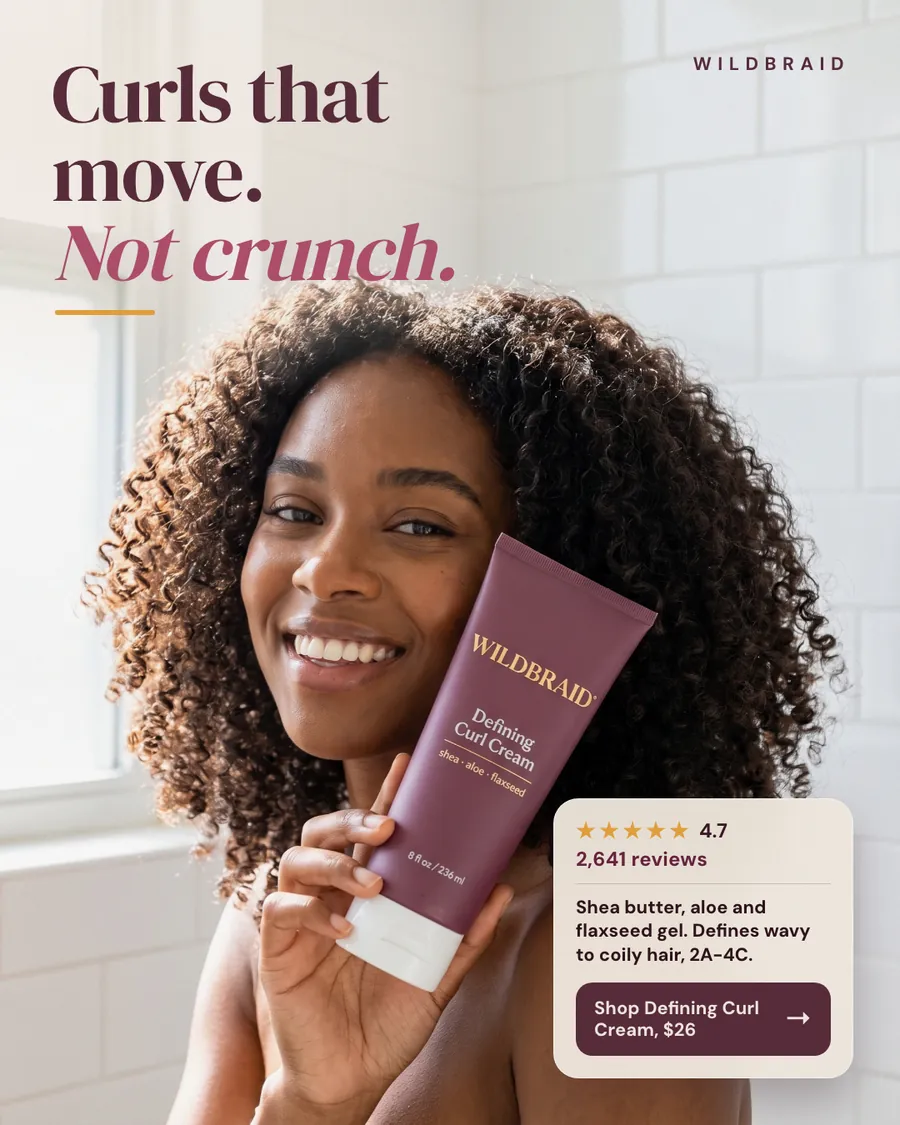
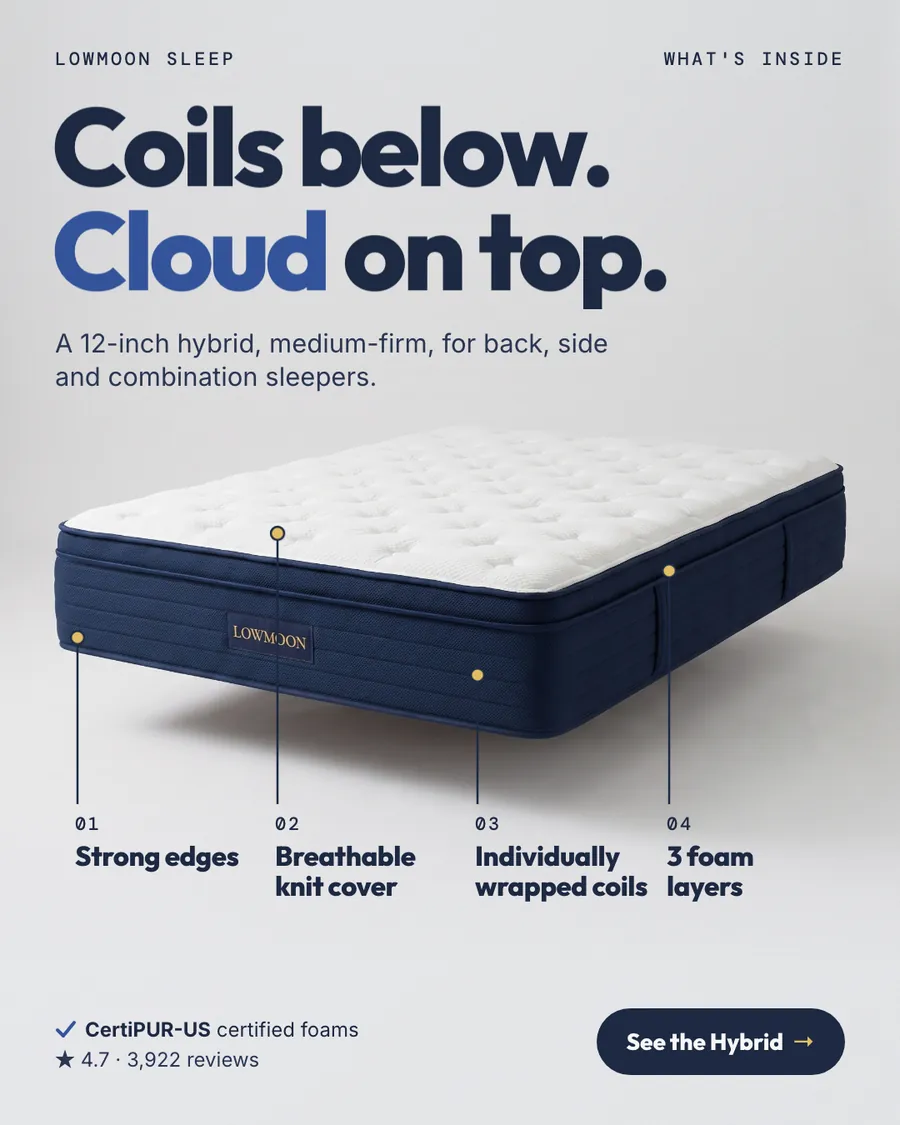
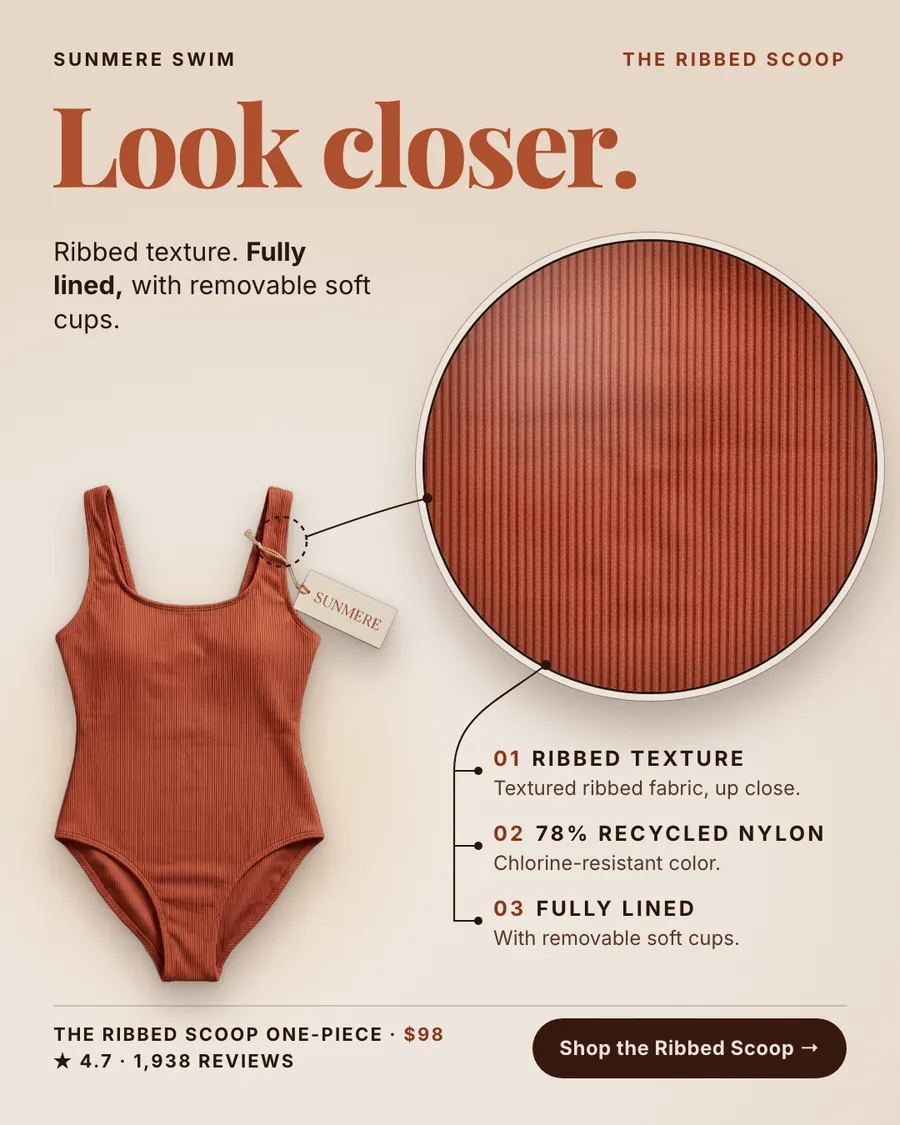
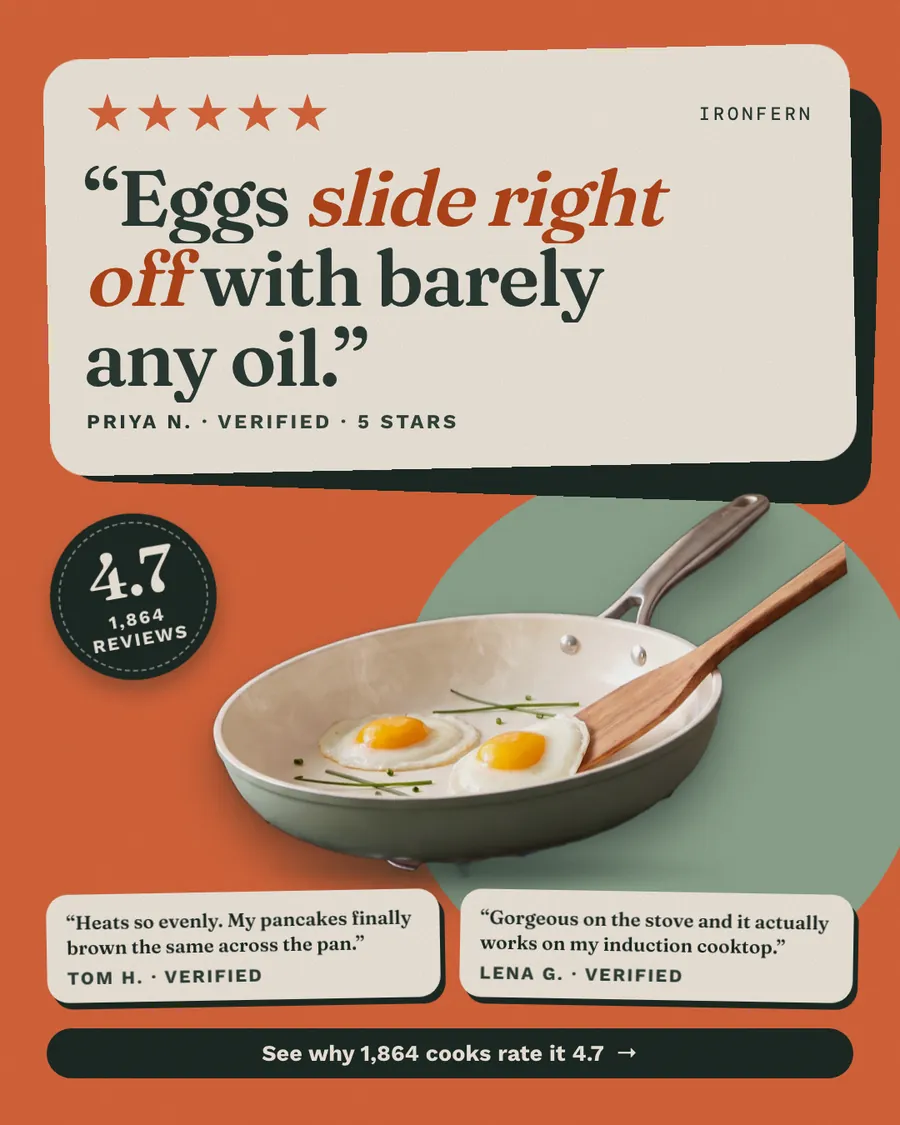
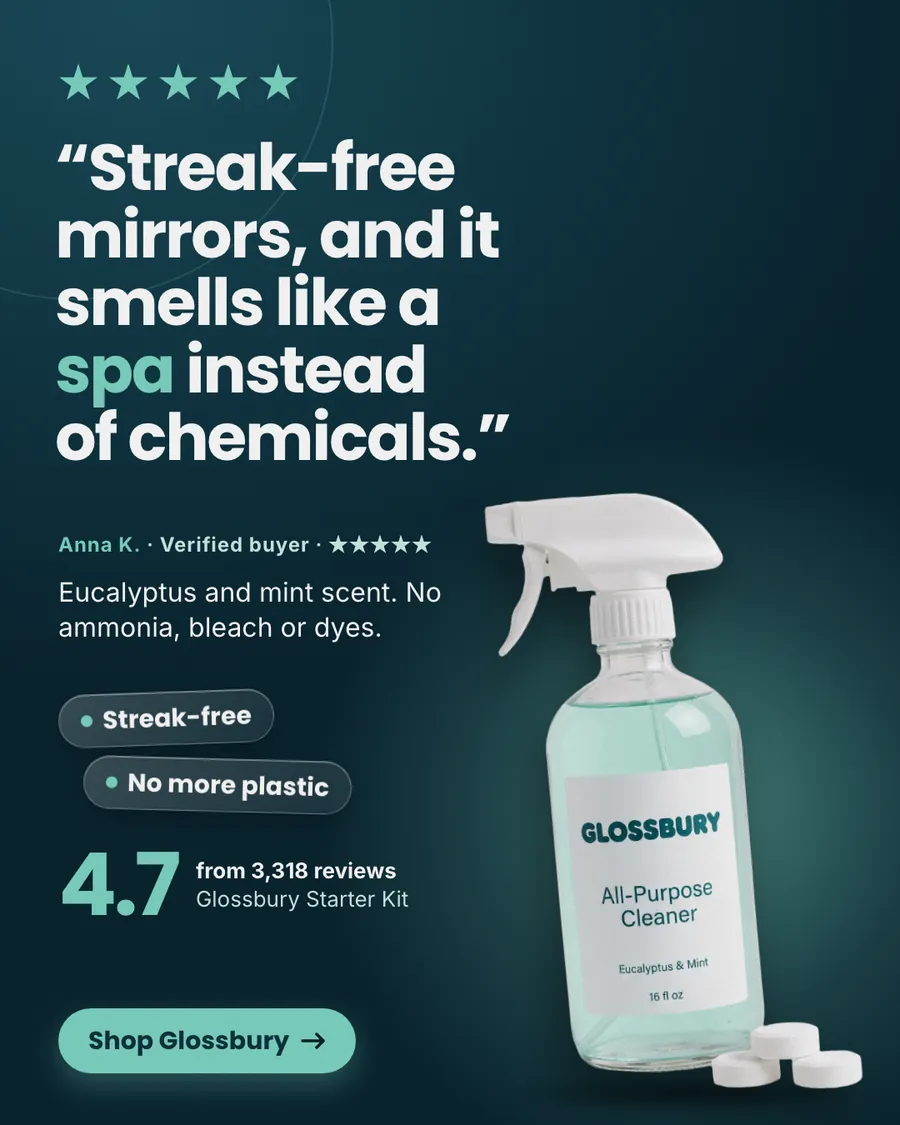
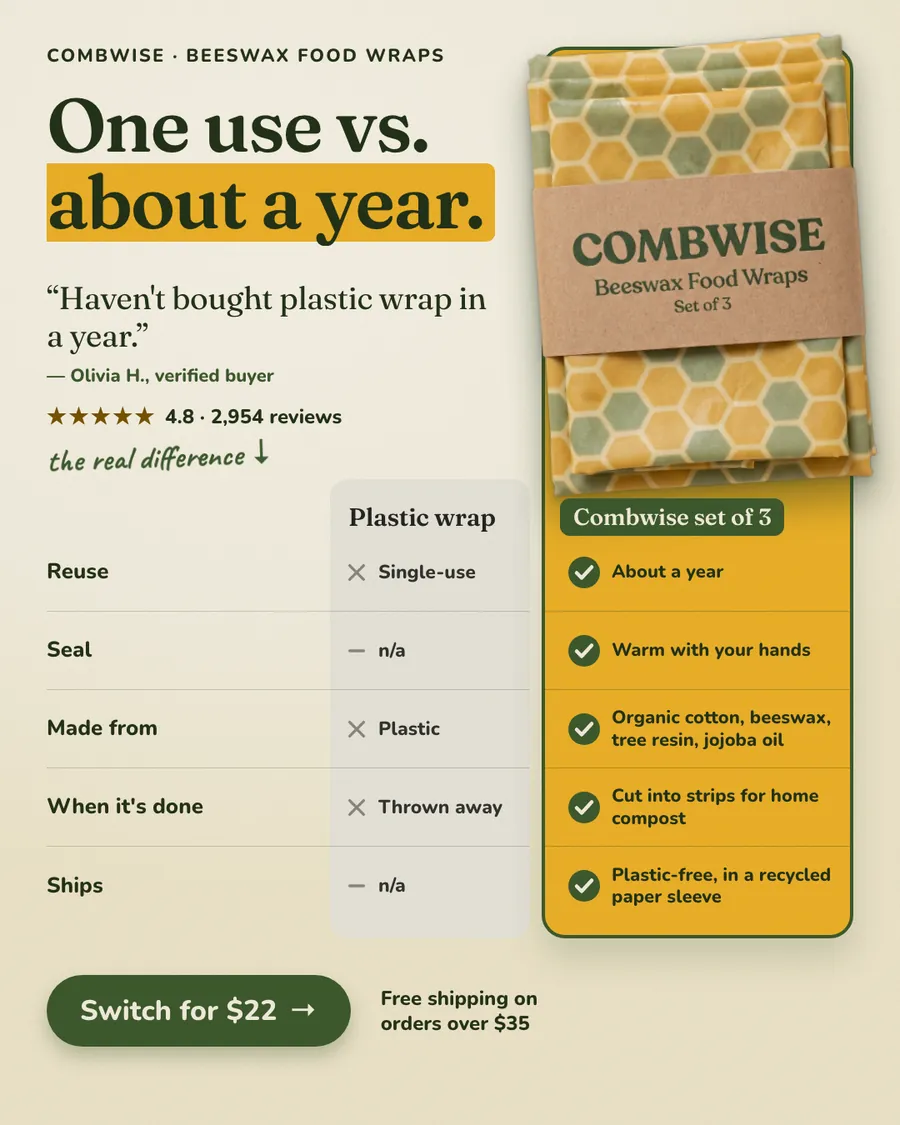
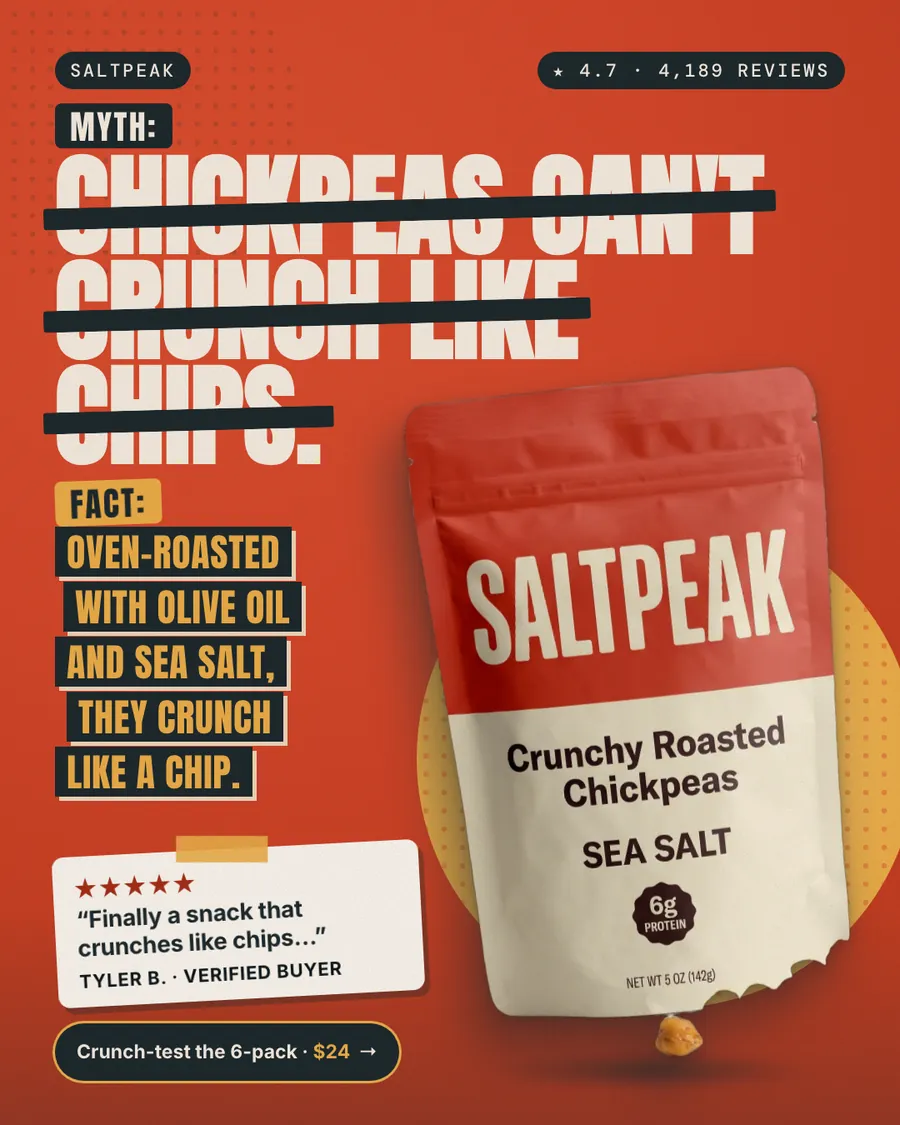
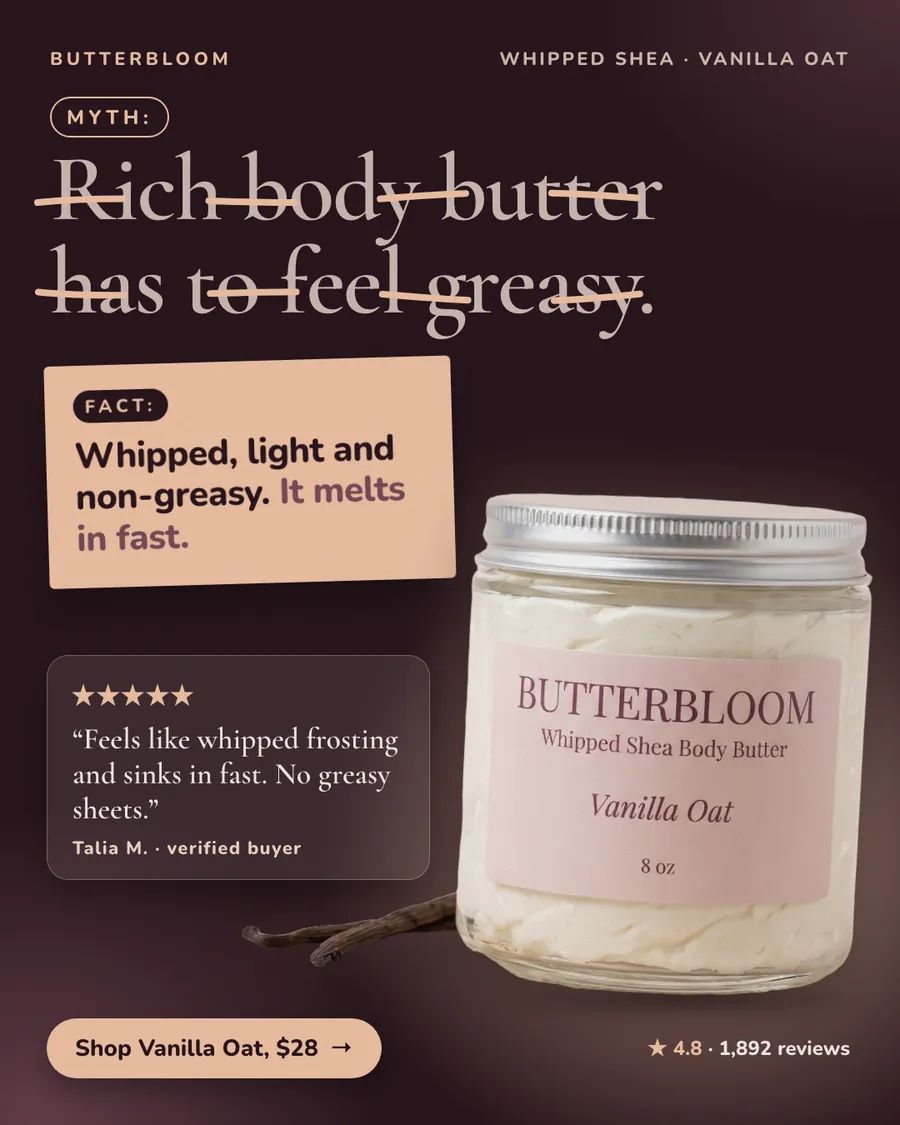
- A product ad, the kind on this page, is a designed image about one product: the photo, a headline, a reason to buy and usually a price. You make it and choose where it runs.
- Product listing ads is the older name for Google Shopping ads: a product photo, title and price taken from your product feed and shown next to search results.
- Catalog ads on Meta and Pinterest also come from a product feed and show your catalog photos to people likely to want them. Designed product ads and catalog ads work side by side. To put a price badge on your catalog photos, see catalog price badges.
What every good product ad gets right
- The real product. Every ad here uses the store's own product photo. Shoppers check that the thing in the ad is the thing that arrives.
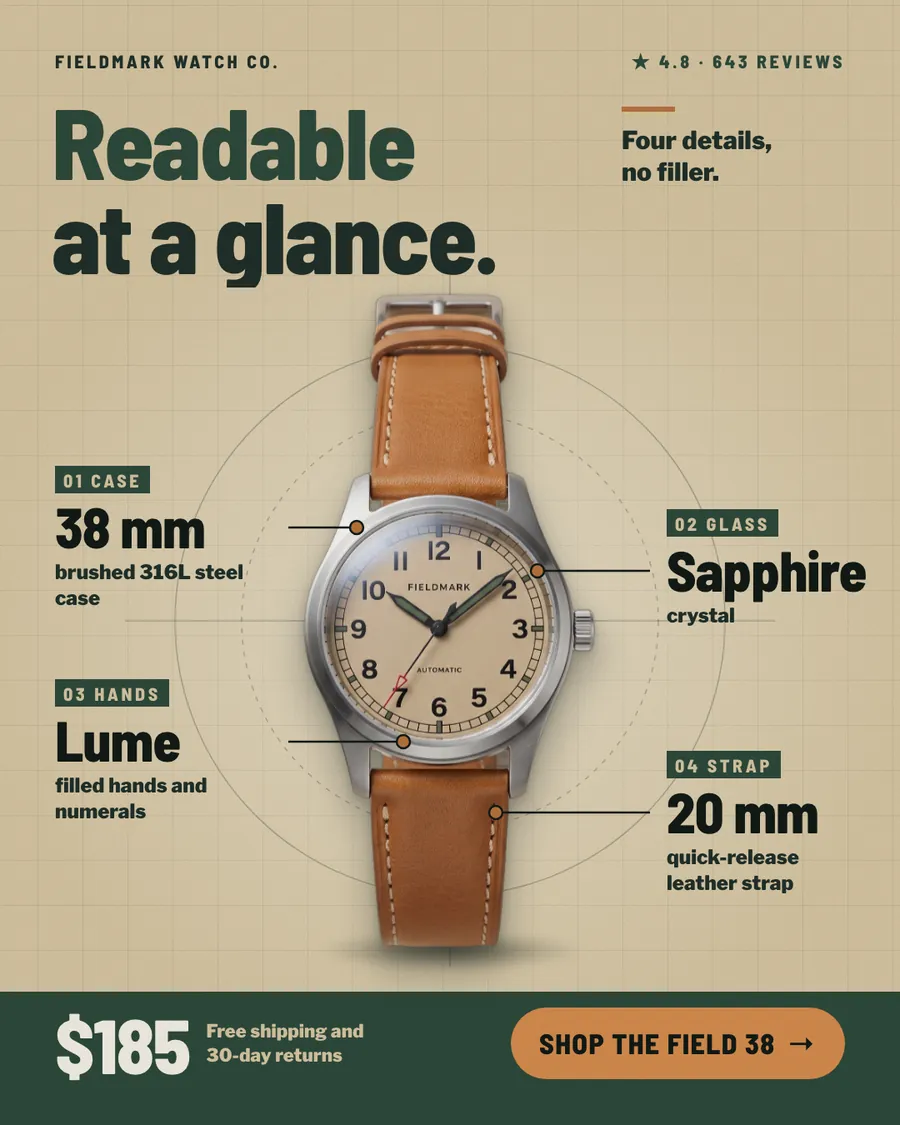
- One reason to buy. Each ad picks one: a number, a fit, a detail, a review or a comparison. None tries all five.
- A fact you can check. 25 g of protein, 38 mm, 78% recycled nylon, 4.8 from 5,106 reviews. Specific numbers read faster than adjectives and match the product page.
- The price, or the next step. Most of these ads put the price on the button, so people know what tapping leads to.
- Room for the product. The product takes a third of the ad or more, and the copy stays short.
Mistakes that make a product ad forgettable
- A lifestyle photo where the product is a speck. If you can't tell what's for sale in a second, it isn't a product ad.
- A picture that isn't quite the product. An image that looks close but shows a different label, color or shape breaks trust when the parcel arrives.
- Claims your pages don't back. 'Best seller' or 'clinically proven' needs proof on your own site first.
- Every feature at once. Eight features is a product page, not an ad.
- No price and no next step. People who are ready to buy shouldn't have to guess.
How to make your own from these
- Find your product type in the table at the top and note what to show first.
- Check you have the photo for it: a clean packshot for 'the product is the headline', a lifestyle shot for 'worn, held or used', a sharp close-up for callouts.
- Write the one line. If it isn't a fact from your product page, change it until it is.
- Make three to five versions with different approaches and let them run against each other.
Want examples grouped by format instead? The static ad examples sort ads by what they lead with: reviews, offers or curiosity.